Online prices change constantly. Retailers adjust them based on demand, inventory, competitor pricing, and even the time of day. Without a systematic approach to tracking these changes, you are almost certainly paying more than you need to. This guide covers everything you need to know about tracking prices online effectively.
Why Price Tracking Matters
Studies show that product prices on major e-commerce platforms can fluctuate by 20-40% over the course of a few weeks. A laptop listed at $999 today might drop to $749 next month, or a pair of running shoes could quietly jump $30 overnight. Price tracking removes the guesswork and puts you back in control of your spending.
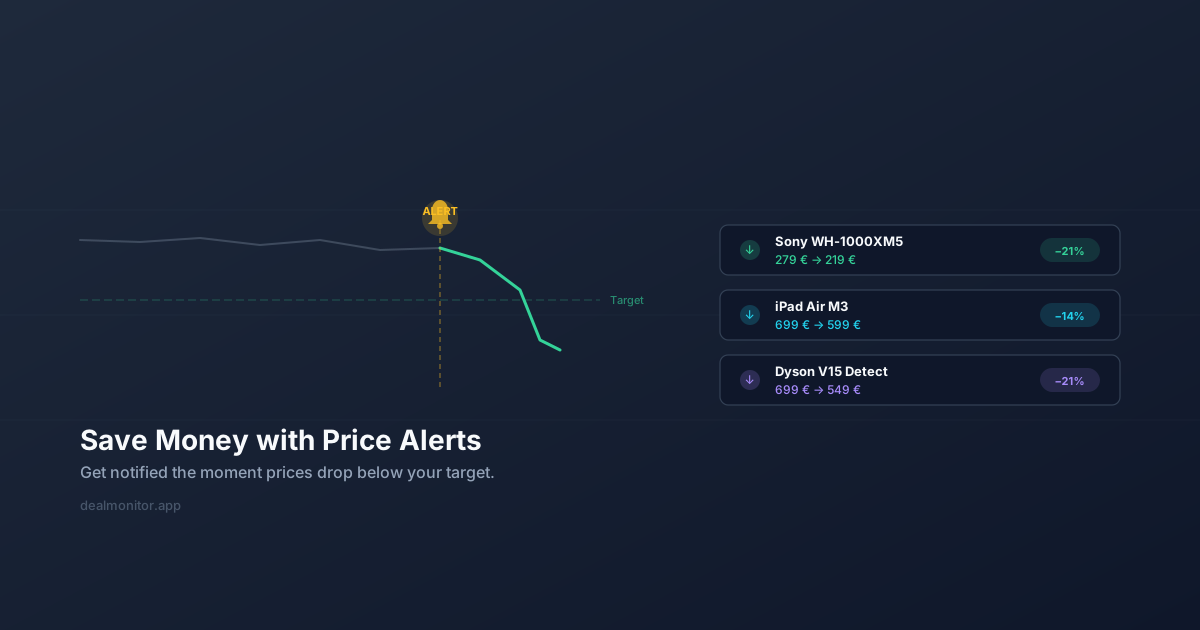
The core idea is simple: instead of checking a product page repeatedly, you let a tool monitor the price for you and alert you when it drops to a level you are comfortable paying.
Methods for Tracking Prices Online
Manual Price Checking
The most basic approach is bookmarking product pages and checking them regularly. While this costs nothing, it is time-consuming, unreliable, and nearly impossible to scale beyond a handful of products. You will inevitably forget to check, or miss a short-lived price drop.
Spreadsheet Tracking
Some shoppers maintain a spreadsheet of products they are watching, logging prices weekly. This gives you a historical view, but it is tedious and still requires you to visit each page manually. It also does not alert you in real time when a price drops.
Browser Extensions
Browser extensions are where price tracking gets practical. A good extension lets you add a product to your watch list with a single click while you browse. DealMonitor offers a browser extension that detects the product and its current price on virtually any shopping website, then monitors it automatically. You set your target price, and the extension handles everything else.
Dedicated Price Tracking Apps
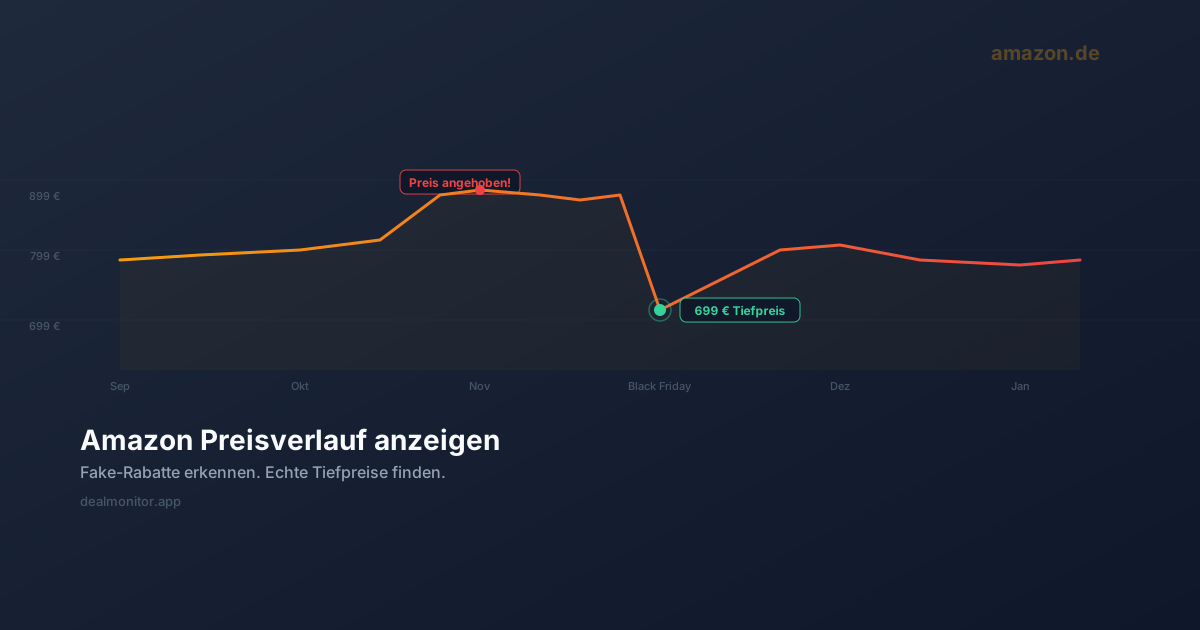
Web-based price tracking dashboards give you a centralized view of everything you are monitoring. You can see price history charts, manage alert thresholds, and review all your tracked products in one place. DealMonitor's web dashboard combines this with multi-channel notifications so you never miss a drop, whether you prefer email, Telegram, or push notifications.
How to Set Up Effective Price Tracking
Step 1: Identify What to Track
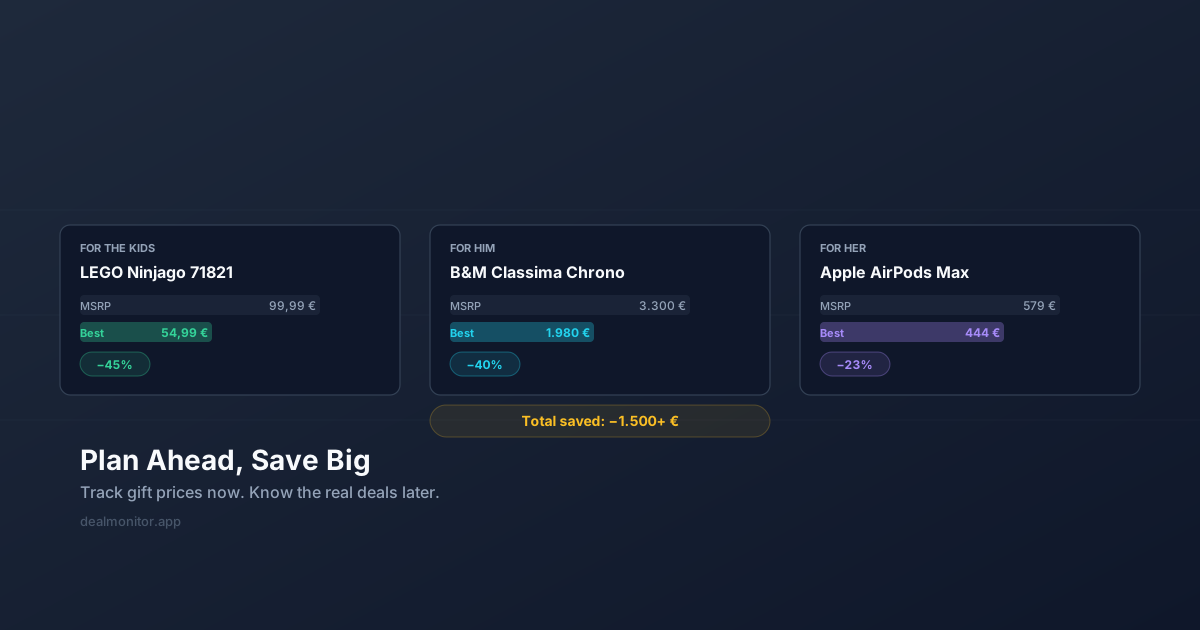
Start with high-value purchases where even a small percentage drop saves meaningful money. Electronics, appliances, furniture, and seasonal gear are prime candidates. There is less value in tracking a $5 item, but a 15% drop on a $500 monitor saves you $75.
Step 2: Research the Price History
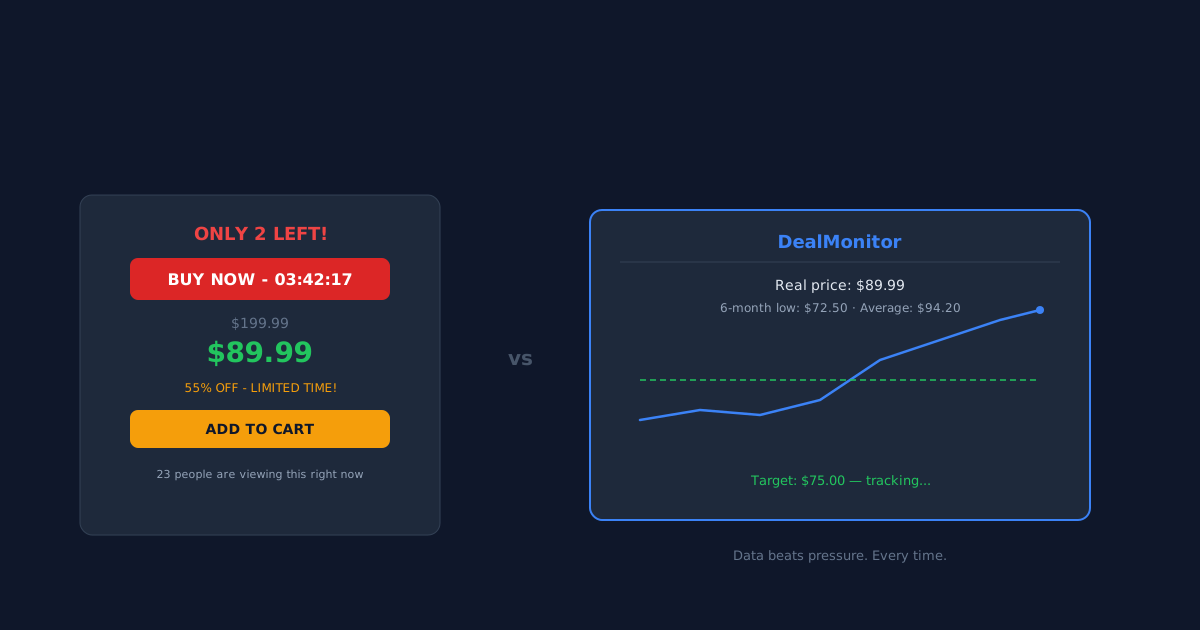
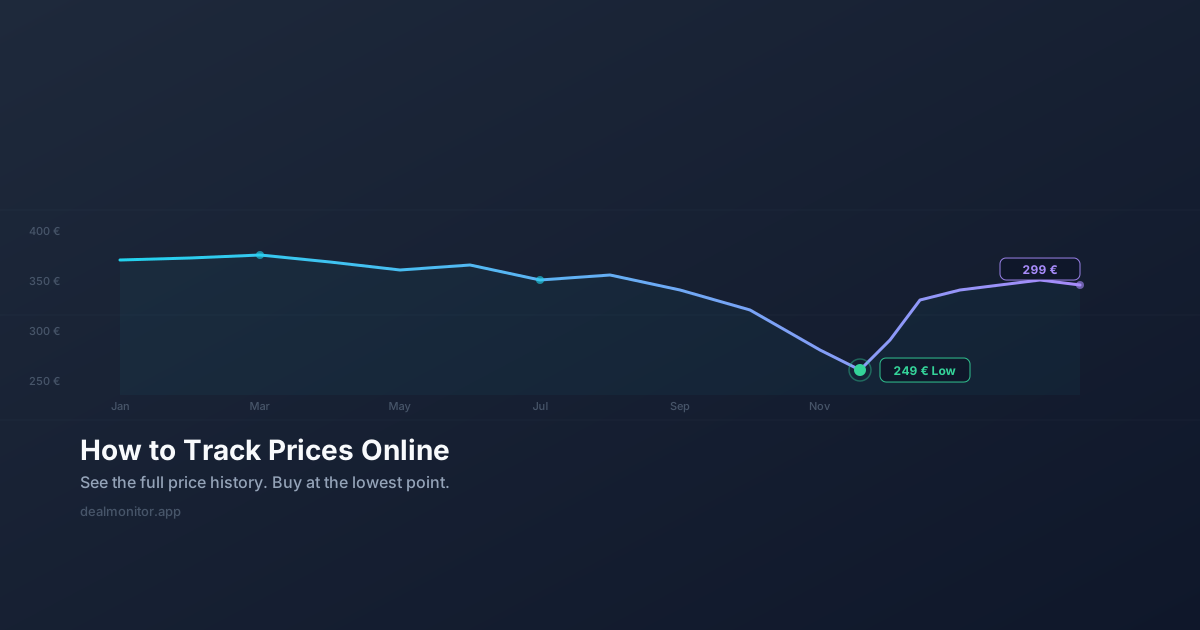
Before setting a target price, understand the product's typical price range. Has it been on sale recently? Is there a seasonal pattern? Tools like DealMonitor show you the price history for any tracked product, helping you set a realistic target.
Step 3: Set a Target Price
Your target price should be ambitious but realistic. Setting it too low means you will never get alerted. Setting it at the current price defeats the purpose. A good rule of thumb: aim for 10-25% below the current price for electronics, and watch for seasonal drops on clothing and outdoor gear. Read more about this in our guide on saving money with price alerts.
Step 4: Choose Your Notification Channel
The best price alert is one you actually see. If you live in your email inbox, email alerts work well. If you are on your phone constantly, push notifications or Telegram messages ensure you react quickly. DealMonitor supports all three, so you can pick what fits your habits.
Step 5: Act Quickly
Price drops can be short-lived, especially during flash sales or inventory clearances. When you get an alert, do not wait days to decide. The price you were alerted about may already be gone.
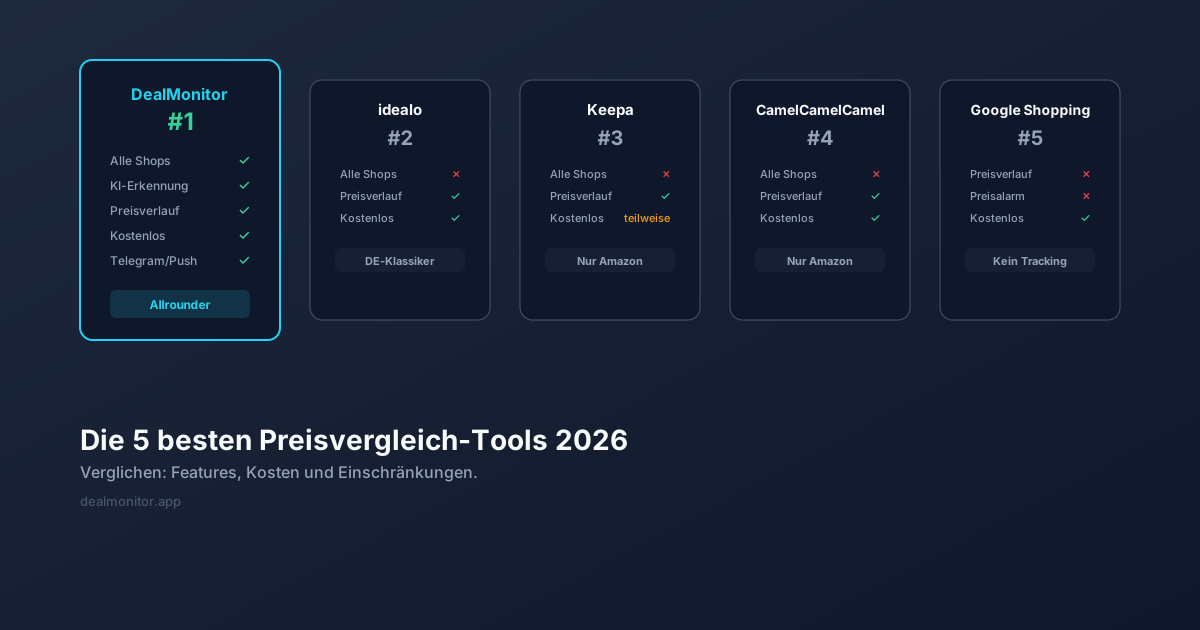
What Makes a Good Price Tracking Tool
Not all price trackers are created equal. Here is what to look for:
- Broad store coverage - The tool should work across many online stores, not just Amazon or a handful of major retailers.
- Accurate price detection - It needs to reliably find the correct price on each page. AI-powered price detection is the most reliable approach for this.
- Flexible alerts - You should be able to set custom target prices and choose how you want to be notified.
- Price history - Seeing how a price has changed over time helps you make informed decisions.
- Easy setup - If adding a product takes more than a few seconds, you will stop using the tool.
Common Price Tracking Mistakes
Even experienced deal hunters make these errors:
- Tracking too many items - Alert fatigue is real. Focus on products you genuinely intend to buy.
- Ignoring shipping costs - A lower product price means nothing if shipping eats up the savings.
- Setting unrealistic targets - If a product has never dropped below $200, setting a $100 target is wishful thinking.
- Not checking the seller - On marketplaces, a low price from an unreliable seller is not a deal; it is a risk.
Getting Started with DealMonitor
If you are ready to stop overpaying, DealMonitor makes it easy. Install the browser extension, visit any product page, click the extension icon, and set your target price. The AI-powered detection engine identifies the product and price automatically, and you get notified the moment the price drops. You can manage everything from the dashboard, and check out our complete guide to smart online shopping for even more money-saving strategies.