Tired of adding products one by one? With the new wishlist import, you can now import your entire Steam or Amazon wishlist into DealMonitor in seconds. The browser extension detects wishlist pages automatically, scrolls through all items, and lets you pick exactly which ones to track.
How It Works
When you visit a wishlist page on Steam or Amazon, the DealMonitor extension recognizes it and offers to scan the page. It automatically scrolls to collect every item — even if your wishlist has hundreds of entries. You'll see a clean preview with checkboxes, product names, current prices, and images.
Select the items you want, set your wish prices, and hit import. DealMonitor creates a tracker for each selected item and starts monitoring prices immediately. That's it — your entire wishlist is now tracked.
Set Smart Wish Prices
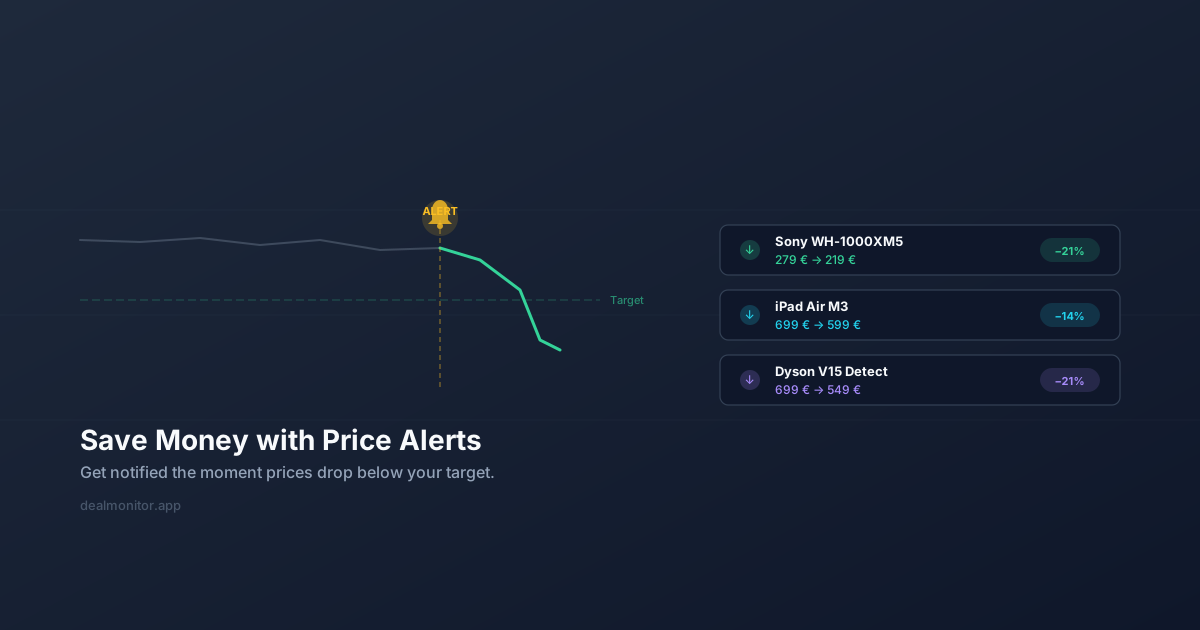
You don't have to enter a wish price for every single item. The import dialog offers a global pricing strategy: set all wish prices to 10% or 20% below the current price with one click. You can also override individual items if you have a specific target in mind. Items without a wish price are imported too — you'll still get notified of any price drop.
What's Supported
The dedicated parsers currently cover:
- Steam wishlists — tested with libraries of 366+ games. The parser handles Steam's infinite scroll and extracts game titles, prices, and release dates.
- Amazon wishlists — tested with lists of 70+ items. Works with all Amazon regional domains (.com, .de, .co.uk, .co.jp, etc.).
Beyond these two, the extension also has generic wishlist support. Any page with /wishlist or /cart in the URL gets a basic scan that extracts product links and names. It won't be as polished as the dedicated parsers, but it's a solid starting point for other shops.
Behind the Scenes
Each imported item goes through the same pipeline as manually added trackers: the backend resolves short URLs, identifies the shop, and runs the first price detection scrape. If you set a wish price during import, it's stored as your target price — you'll be notified the moment the price drops below it.
Items are automatically organized into a group named after the wishlist source (e.g., "Steam Wishlist" or "Amazon Wish List"), so they don't clutter your main dashboard.
Help Us Help You — Amazon Affiliate Links
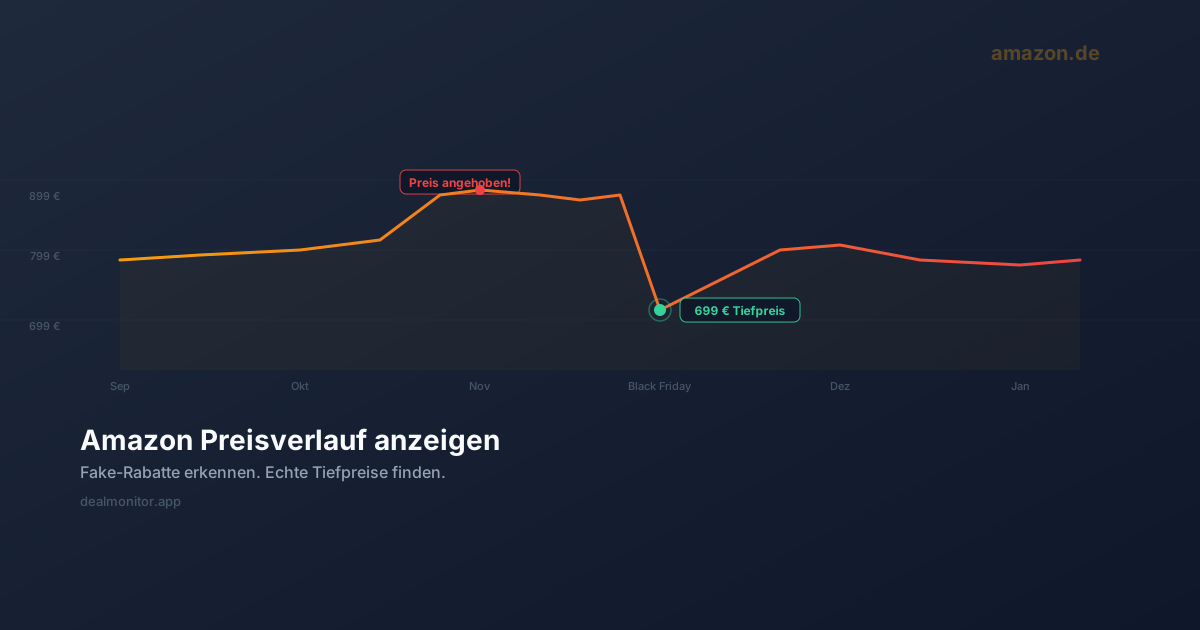
Here's something you might not know: when you track Amazon products through DealMonitor and eventually buy them, using our links could make a real difference. Affiliate revenue from Amazon purchases helps us qualify for better API access, which directly improves price detection reliability for Amazon products.
Right now, Amazon's bot protection makes scraping difficult — prices sometimes can't be detected, or detection is delayed. With proper API access, we'd get instant, accurate prices for every Amazon product. No scraping needed, no blocked requests, no stale data.
So if you're going to buy something on Amazon anyway, consider going through your DealMonitor tracker link. It costs you nothing extra, and it helps keep the project running and improving. No pressure — just something to keep in mind.
Get Started
Make sure your DealMonitor browser extension is up to date, then visit your Steam wishlist or Amazon wish list. The import button will appear automatically. Happy tracking!