Every online store displays prices differently. Some show them in large bold text, others bury them next to add-to-cart buttons, and many pages contain multiple prices for variants, bundles, and crossed-out original prices. Extracting the correct current price from all of this is a surprisingly difficult problem. Here is how AI solves it.
The Problem with Traditional Price Scraping
Before machine learning entered the picture, price tracking tools relied on hand-written rules for each website. A developer would inspect a store's HTML, find the CSS selector for the price element, and hardcode that into the scraper. This worked, until it did not.
Why Rule-Based Scraping Breaks
- Website redesigns - When a store changes its layout, every hardcoded selector breaks instantly. The tracker silently stops working until someone manually fixes it.
- Inconsistent markup - Even within the same store, different product categories may use different page templates. A rule that works for electronics might fail for clothing.
- Dynamic content - Modern stores load prices via JavaScript, sometimes after the initial page load. Traditional scrapers that only read the raw HTML miss these entirely.
- Scale limitations - There are millions of online stores. Writing and maintaining custom rules for each one is not feasible. Most rule-based trackers only support a few dozen major retailers.
The result is a system that requires constant maintenance and only works on a handful of pre-configured websites. For shoppers who buy from smaller or niche stores, it is essentially useless.
How Machine Learning Changes the Game
Instead of telling a program exactly where to find the price, machine learning takes a different approach: it trains a model on thousands of examples and lets the model figure out the patterns itself.
Feature Extraction
The first step is turning raw HTML into something a model can analyze. For each text element on a page, the system extracts features, which are measurable characteristics that might indicate whether the element contains a price. These features include:
- Text pattern - Does the text match a price-like pattern? Currency symbols, decimal points, and numeric formatting are strong signals.
- Position on page - Prices tend to appear in specific regions of a product page, typically near the product title and the add-to-cart button.
- Font size and weight - The current selling price is almost always visually prominent, rendered larger or bolder than surrounding text.
- Surrounding context - What HTML tags and attributes surround the element? Labels like "price," "cost," or "sale" in nearby elements or class names are informative.
- Element hierarchy - Where does the element sit in the DOM tree? Prices inside product detail containers are more likely to be the main price than those in sidebars or footers.
The Classification Model
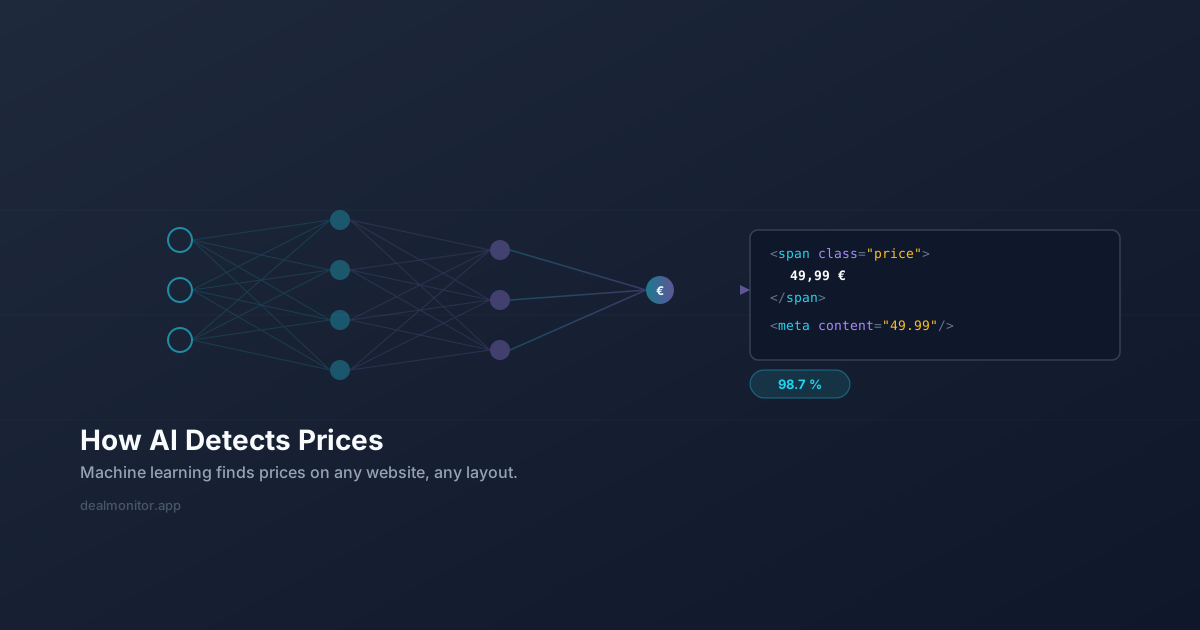
Once features are extracted for every candidate price element on a page, a classification model scores each one. The model has been trained on labeled examples from thousands of different stores, so it has learned the general patterns that distinguish the real product price from other numbers on the page, such as shipping costs, review counts, item quantities, or old prices.
The model outputs a confidence score for each candidate. The candidate with the highest confidence is selected as the detected price. If no candidate exceeds a minimum confidence threshold, the system flags the page for review rather than returning a wrong result.
Why This Approach Works Across Stores
The key advantage is generalization. Because the model learned from diverse examples, it does not rely on any single store's specific HTML structure. It recognizes the visual and structural patterns that are common across e-commerce sites in general. When a store redesigns its layout, the model usually continues to work because the fundamental patterns, a prominent number with a currency symbol near a buy button, remain the same.
How DealMonitor Uses AI Price Detection
DealMonitor runs a dedicated machine learning service that processes every product page. When you track a new product using the browser extension or the web dashboard, here is what happens behind the scenes:
Step 1: Page Capture
The system fetches the full product page, including JavaScript-rendered content. This ensures dynamically loaded prices are captured, which is critical for modern single-page applications and stores that load pricing asynchronously.
Step 2: Candidate Extraction
The page is analyzed to identify all potential price elements. Each candidate text node that resembles a price is extracted along with its visual and structural features.
Step 3: ML Scoring
The candidates and their features are sent to the detection model. The model evaluates each candidate and returns confidence scores. It considers not just individual features but the relationships between them, a large bold number means more when it is inside a product detail container than when it is in a navigation bar.
Step 4: Price Selection and Validation
The highest-confidence candidate is selected. The system applies additional validation: is the price within a reasonable range? Is the currency consistent with the store's locale? Does it match the format expected for this type of product? These checks catch edge cases where the model might be confused by unusual page layouts.
Step 5: Continuous Monitoring
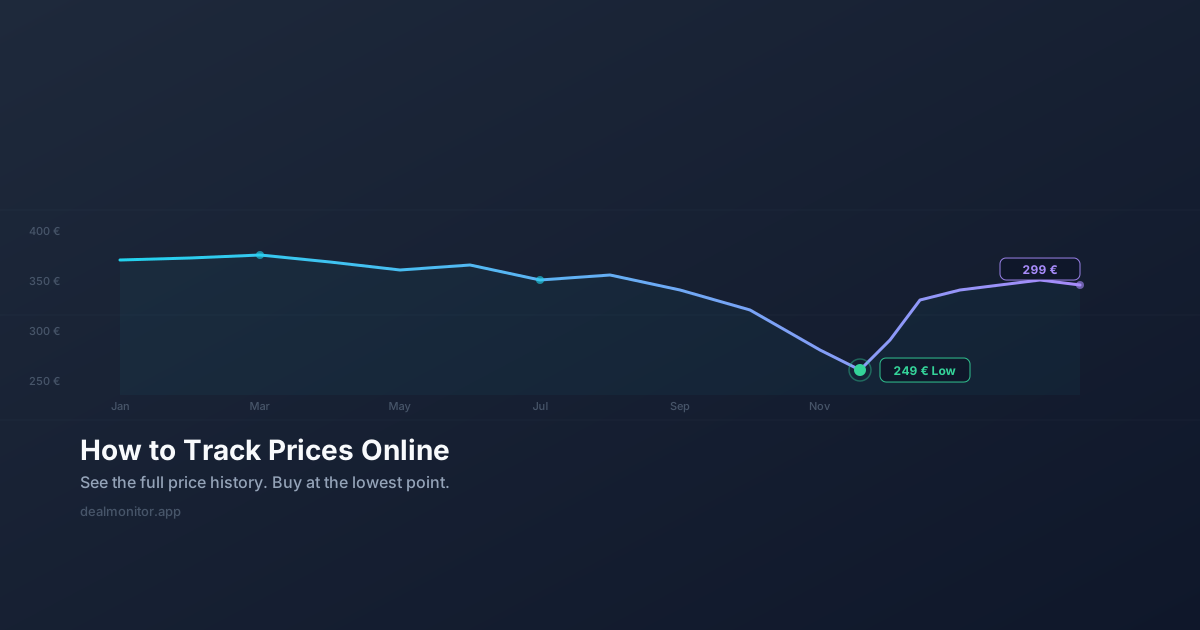
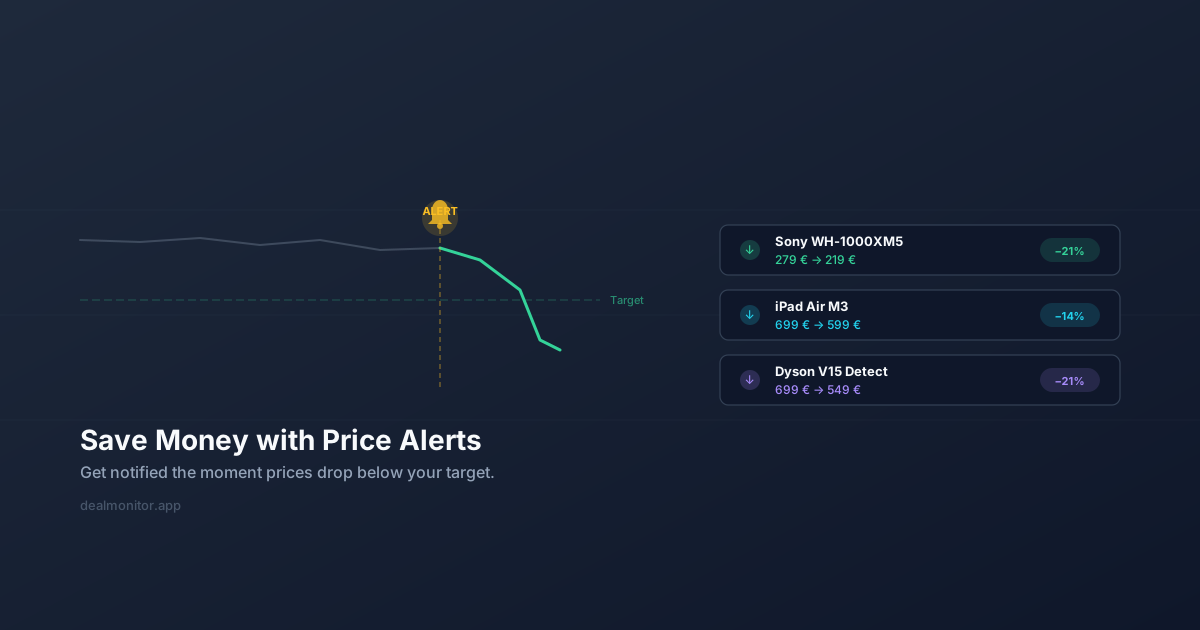
Once the initial price is detected, the system periodically re-scrapes the page and runs the same detection pipeline. When the detected price changes, it records a new data point in the price history. If the price drops below your target, you get notified instantly.
Accuracy and Edge Cases
No system is perfect. Some pages present genuine challenges:
- Variant pricing - A product page might show different prices for different sizes or colors. The model typically detects the currently selected variant's price.
- Price ranges - Some products display a range like "$29.99 - $49.99." The system extracts the lower bound as the starting price.
- Subscription pricing - Pages that show both one-time and subscription prices require the model to distinguish between them.
- Non-standard layouts - Boutique stores with highly unconventional designs can occasionally confuse the model, though this is increasingly rare as the training data grows.
DealMonitor handles these cases through a combination of model confidence thresholds and fallback strategies. When confidence is low, the system can flag the result for manual verification rather than storing an incorrect price.
The Future of AI Price Detection
As models improve and training data grows, AI price detection will become even more accurate and capable. Future developments will likely include better handling of dynamic pricing, real-time variant tracking, and detection of hidden costs like shipping and taxes before checkout.
For now, ML-based detection already represents a massive leap over traditional rule-based scraping. It is what allows tools like DealMonitor to work across virtually any online store, not just a pre-approved list. If you want to see it in action, try DealMonitor on your next purchase, or read our guides on tracking prices online and saving money with price alerts.